Get Started with Cultural Treasures
Step 1: Download & Install the App
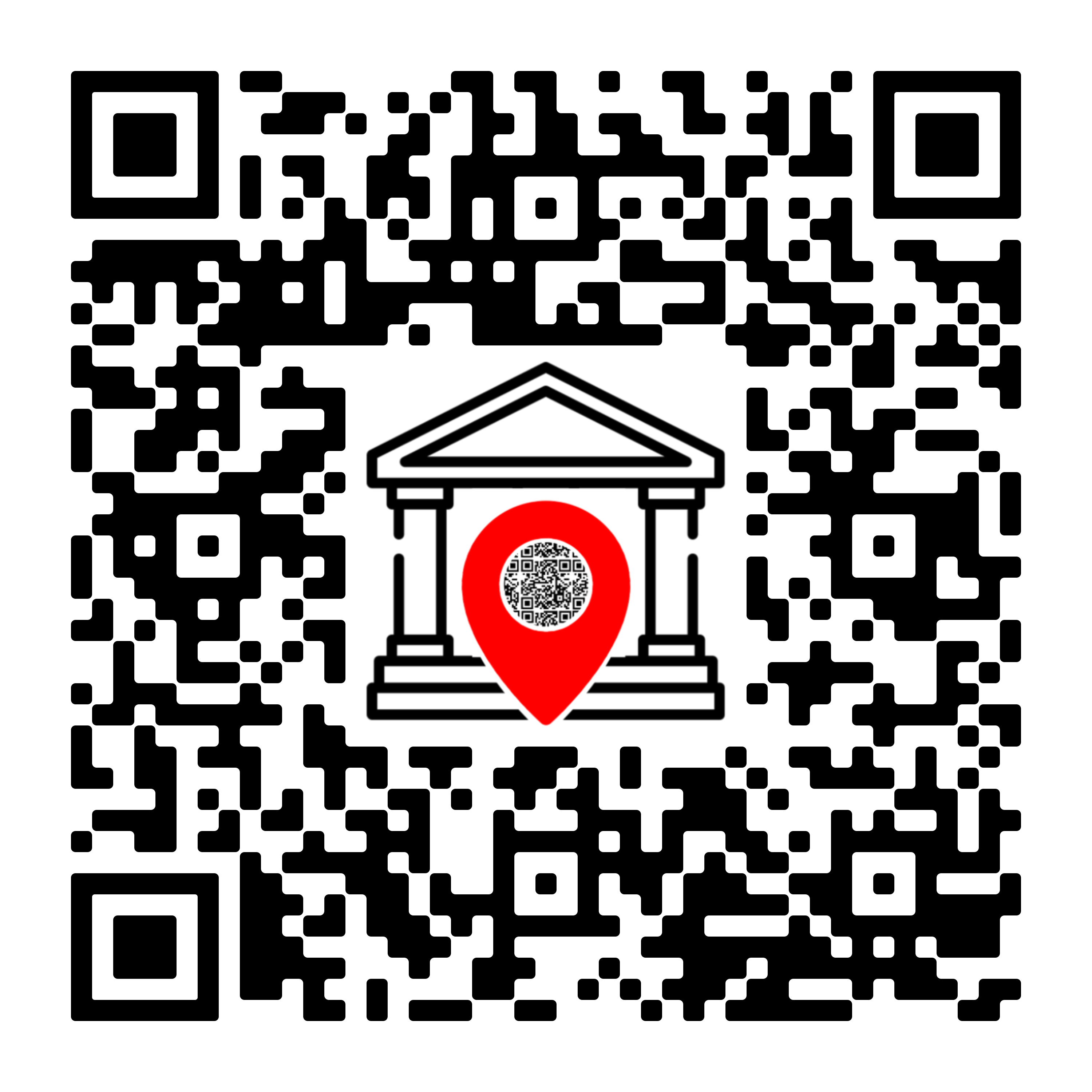
The Cultural Treasures app is your digital guide to exploring the rich heritage of Camarines Norte.
Installation Options:
- Scan the QR Code: Use your device's camera to scan the QR code shown here to download directly from the Google Play Store.
- Direct Download: Download on Google Play
System Requirements:
Android 8.0 or later
50MB free storage space
Camera access for QR scanning
Step 2: Visit Museo Bulawan
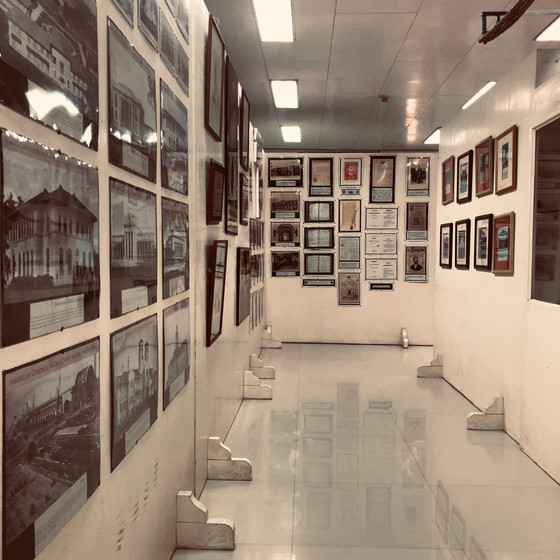
Experience the rich cultural heritage of Camarines Norte at Museo Bulawan, where our app enhances your museum visit.
Museum Information:
- Location: Camarines Norte Provincial Capitol Grounds, Daet, Philippines
- Opening Hours: Monday to Saturday, 9:00 AM - 4:00 PM
- Contact: 0951 926 0196
Entrance Fee:
Free for all visitors
Step 3: Scan QR Codes to Explore
Open the App
Launch the Cultural Treasures app on your device and tap the scan button.
Scan Exhibit QR
Point your camera at any QR code found next to artifacts or displays.
Explore Details
Discover in-depth information, historical context, and multimedia content.
App Features You Can Use:
Access detailed information about artifacts
Learn about local heroes of Camarines Norte
View high-quality images and gallery content
Explore tourist spots in Camarines Norte
Discover provincial festivals like Bantayog Festival
Learn about municipalities of Camarines Norte
Frequently Asked Questions
Do I need internet to use the app?
The app works best with an internet connection, but most content can be accessed offline once downloaded. Make sure to open the app before your visit to cache the necessary data.
Is the app free to use?
Yes, the Cultural Treasures app is completely free to download and use.
Can I use the app outside the museum?
Yes! While the QR scanning feature is designed for use in the museum, you can explore all the content about artifacts, local heroes, and tourist spots from anywhere.
Is the app available for iOS devices?
Currently, the app is only available for Android devices. We are working on an iOS version for future release.
How do I report issues with the app?
You can report any issues or provide feedback through the Contact Us page on our website or through the feedback form in the app settings.